 Tack
Get it out of your head. In a second.
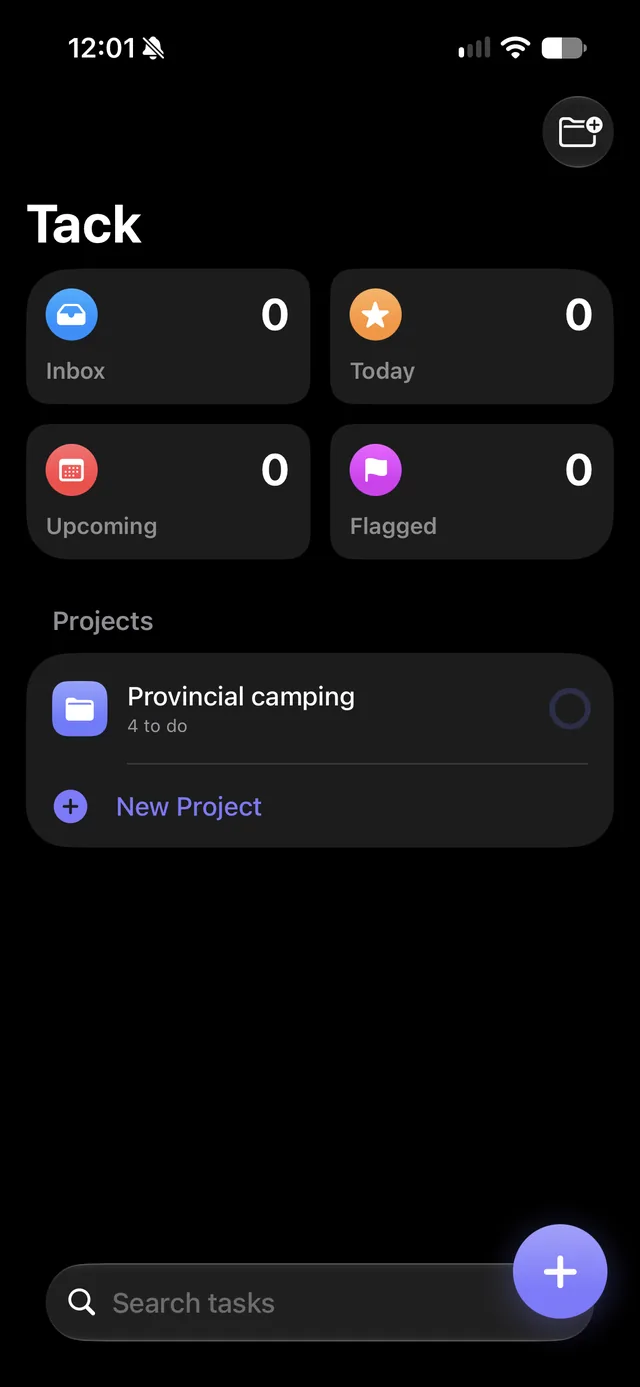
Tack is a simple task manager for iPhone. Projects hold your tasks, everything else lands in the Inbox, and a widget gets a new task in before you forget it.

For iPhone · iOS 17 or later · No account · No ads
Fast ways to add a task
Capturing a task should take less time than remembering it. Tack gives you a way in from almost anywhere on your iPhone.
Quick Add widget
Put it on your Home Screen or Lock Screen. One tap opens Tack with the keyboard already up. The medium size adds tiles that file the task straight into a project.
Siri and the Action Button
Say “Add a task in Tack”, or set the Action Button to Add Task. It asks what to add and saves it without opening the app.
Control Center
On iOS 18, add the New Task control to Control Center or the Lock Screen for one-tap capture.
Type, Return, repeat
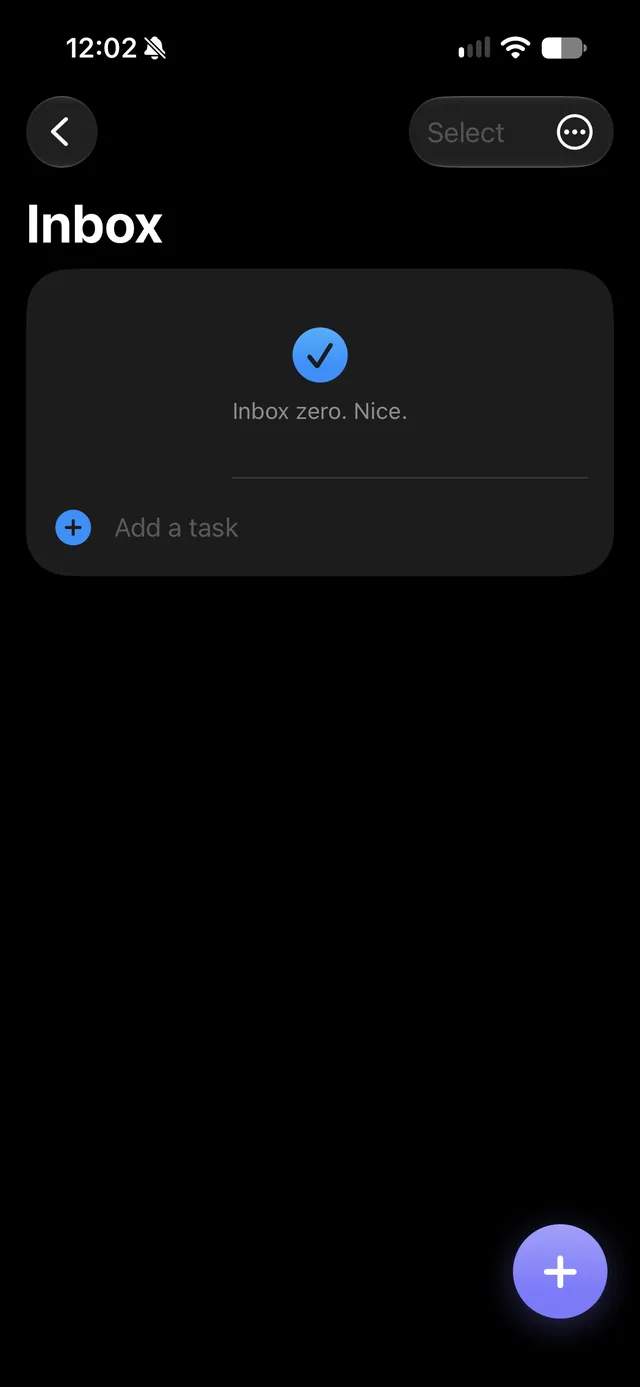
The round + button is on every screen, and every list ends in an “Add a task” row. Return saves the task and keeps the keyboard up, so you can type a whole list in one go.
Paste a list
Creating a project? Paste a list into it and each line becomes a task. Bullets and dashes are tidied away.
Turn a task into a project
Some Inbox tasks turn out to be bigger than they looked. Long-press one and choose Turn Into Project: its title and notes carry over, ready for the steps.
The Tasks widget lets you tick tasks off right on your Home Screen. Choose Today, Flagged, Inbox, Upcoming or any project.
Type it all in one line
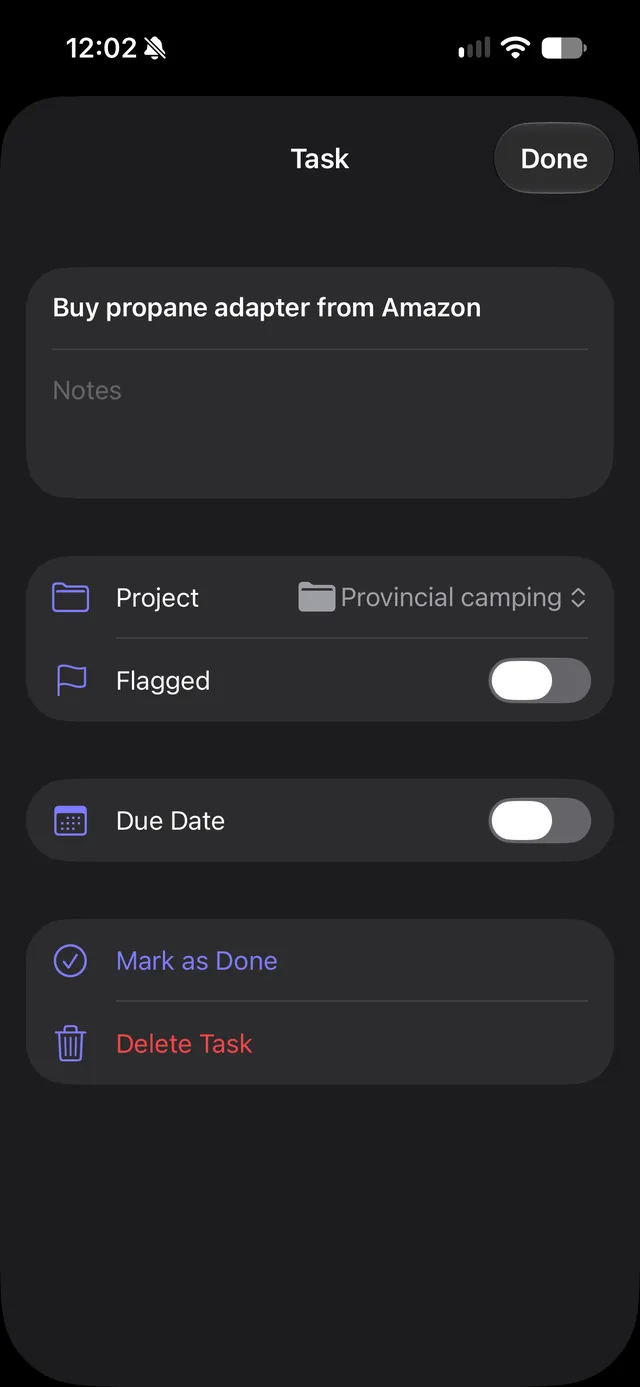
No menus needed. A few symbols as you type set the project, the day and the flag.
| Type | What it does |
|---|---|
#house | Files it in the project whose name starts with “house” (capitals and spaces don’t matter). |
@today @tomorrow | Makes it due that day. @tom works too. |
@fri @monday | Due on the next one of those days (today counts). |
! | Flags it. |
These work everywhere you can type a task, including Siri and the Action Button.
Simple, on purpose
Projects and tasks, a few smart lists, and nothing to configure.
Projects with progress
Give each project a colour and an icon. A progress ring shows how far along it is. Drag to put projects and tasks in your order.
Inbox, Today, Upcoming, Flagged
Anything without a project waits in the Inbox. Today includes anything overdue. Upcoming groups what's next by day.
Satisfying to finish
Tap the circle and the task ticks off with a little bounce. Tapped the wrong one? Hit Undo. Swipe a task to flag it, push it to tomorrow or delete it.
Reminders when you want them
Give a task a due day, or a time if you want a notification. Overdue tasks turn red.
Change many at once
Tap Select, or swipe down the list with two fingers, to pick several tasks. Move them into a project (or a brand-new one), set a due date, flag, complete or delete them together.
Find anything
Search every task's title and notes, across every project, done or not.
Reuse a project
Duplicate a finished project and every task comes back unticked. Perfect for packing lists, weekly routines and anything you do more than once.
Back up and move
Export a backup to Files, Mail or AirDrop, and import it on another iPhone. Or export every task to a spreadsheet.
Coming soon
Here’s what’s next for Tack.
Shared projects Coming soon
Share a project with your partner, family or a friend through iCloud. You both see the same tasks, and when one of you ticks something off, the other sees it too. Assign tasks to each other, with each person’s tasks in their own colour.
iCloud sync Coming soon
Your tasks kept in step across your devices through your own iCloud account, still with no Tack account and no servers of ours.
Checklists and packing lists Coming soon
Make any project a checklist, group items into sections like Clothes and Toiletries, and reuse it next trip with everything unticked. Start from templates like Camping or Business Trip, or save your own.
Repeating tasks Coming soon
Tasks that come back on their own: every week, every month, or a few days after you finish them.
Your tasks stay yours
Tack has no accounts, no ads, no analytics and no servers of ours, so we never see what you add. Read the privacy policy.